
Starlink Rental Los Angeles What Mistakes Should First Timers Avoid?
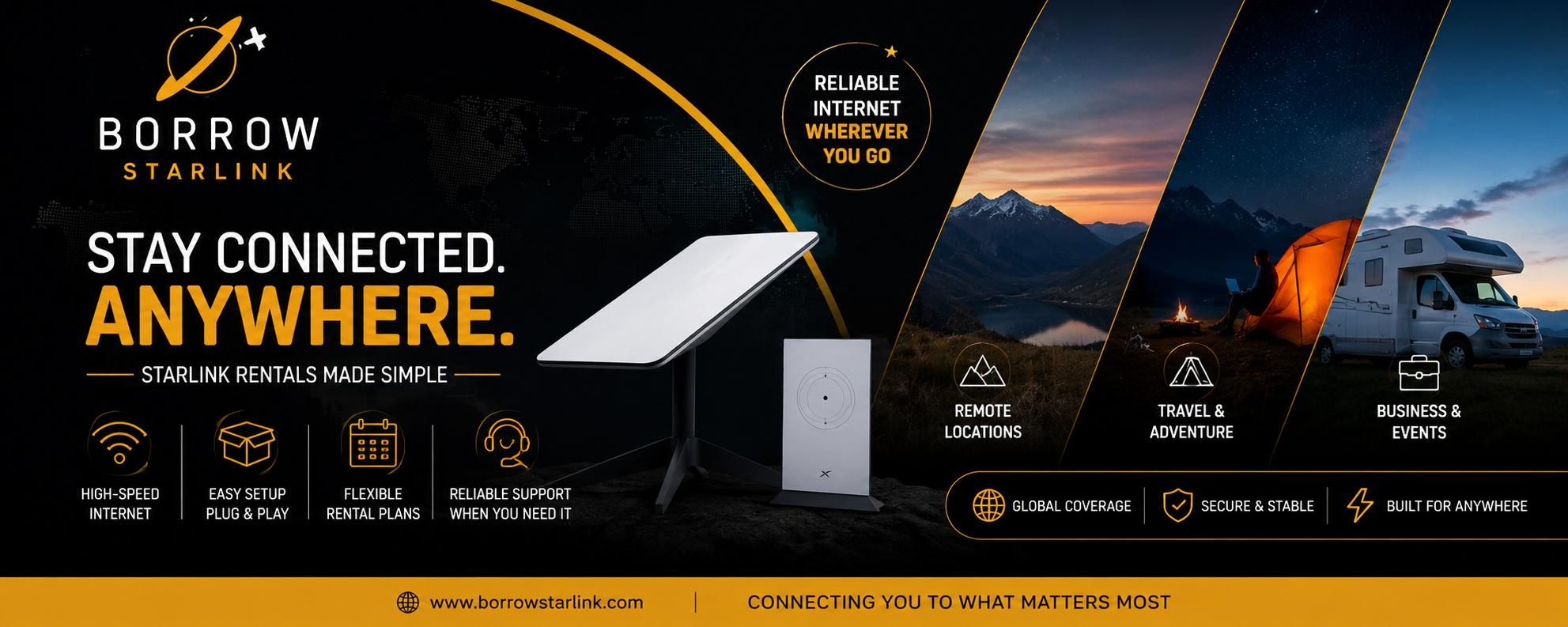
Most Starlink rentals go fine. The trouble usually comes from a handful of avoidable slip-ups, and almost all of them happen before the dish is even plugged in. If you're about to book a Starlink rental Los Angeles trip or project calls for, a few minutes of planning can save you from a frustrating day in a field with a dish that won't connect. Here are the mistakes first-timers make most often, and how to dodge each one.
Mistake 1: Picking a spot without looking up
This is the big one. Starlink needs a wide, open view of the sky, and people often set the dish down wherever it's convenient. A spot under a tree, beside a tall wall or in a narrow canyon will cause constant dropouts, and then the dish gets blamed for a problem the location created.
What to do instead: Before you unpack anything, stand where you plan to place the dish and look straight up. If the view is open, you're set. If branches, rooftops or cliffs fill part of it, move a few steps and check again. The Starlink app can also show you obstructions, which is another reason to install it early.
Mistake 2: Forgetting about power
The dish uses roughly 60 watts, which is small. It's easy to assume that means you don't have to think about it. But if you're camping, working from a remote cabin or running an event in an open field, there may be no outlet within a hundred yards.
What to do instead: Decide ahead of time where the power will come from. A regular 110v outlet works. So does an RV battery system, a generator or a small 100W solar panel. Pack a short extension cord and a power strip too, because the dish and router both need to plug in.
Mistake 3: Downloading the app too late
The Starlink app helps you pick a good location and fix problems. It's also surprisingly hard to install when you're sitting in a dead zone with no signal. Plenty of people only remember this when they're already offline.
What to do instead: Download the app at home, on Wi-Fi, before you leave. Open it once to make sure it works.
Mistake 4: Skipping the home test
Opening the kit for the first time at your destination is a gamble. If something is missing or confusing, you're on your own, far from help.
What to do instead: Test the kit at home as soon as you get it. Plug it in, let the dish find its position and connect a phone or laptop. It takes a few minutes and tells you everything is working. If something is off, you can contact the rental company while you still have time to fix it.
Mistake 5: Not checking what's in the kit
Rental kits aren't all the same. Some include everything. Others leave out items you assumed would be there.
What to do instead: Ask for a full list before you book. A solid rental includes the dish, a Wi-Fi router, power cables and a protective case. Borrow Starlink, for example, includes the dish, router, custom hard case and unlimited data with each rental, and it handles the account and setup, so you don't need your own Starlink subscription. Whatever provider you choose, make sure you know exactly what you're getting.
Mistake 6: Assuming the data is unlimited
A plan that slows down after a certain amount of data is a poor fit for video calls, uploads and streaming. It's an easy detail to miss because it's usually in the fine print.
What to do instead: Ask directly whether the data is unlimited, and whether there's any slowdown after a cap. If you plan to work or stream for days, this matters a lot.
Mistake 7: Ignoring the rental terms
Deposits, damage rules and late fees vary a great deal, especially if you rent from an individual instead of a company. Some deposits are large because they cover the full replacement cost of the equipment, and some rentals don't refund short bookings.
What to do instead: Read the terms before paying. Ask how the deposit is returned, what counts as damage and what happens if you return the kit late.
Mistake 8: Booking at the last minute
Holiday weekends, festival season and busy travel periods are when rental kits get scarce. Waiting until the night before often means no kit at all, or no time to test it.
What to do instead: Book early, and build in a day or two on each side of your trip for delivery or pickup, testing and the return. Don't assume a provider can deliver to your city. Ask directly and confirm how it will reach you.
Mistake 9: Expecting perfect speeds
Starlink is impressive, but advertisements show best-case speeds. Real performance depends on your location, the time of day and the weather. Heavy rain or snow can slow things down, and a partly blocked view will cause hiccups.
What to do instead: Expect a good connection, not a flawless one. For video calls, streaming, cloud work and uploads, it usually does the job well. If you have something critical, such as a live stream, do a test run first.
Mistake 10: Treating it like indoor equipment
The dish is built for the outdoors, but that doesn't mean it can take any abuse. Leaving it in a hot car, letting it get soaked while it's packed away or dropping it can all cause trouble, and you may be responsible for the cost.
What to do instead: Keep it dry when you pack it, use the hard case and treat it carefully. On windy days, weigh down the stand so the dish doesn't tip over.
A quick pre-trip checklist
Before you head out, run through this:
- Dish, router, cables and case are all in the box
- The Starlink app is installed and opened once
- You tested the kit at home
- You know where your power will come from
- You've picked a likely spot with open sky
- You understand the deposit, damage and return terms
- You have a plan for returning the kit on time
When a rental is the right call
If you only need internet for a trip, an event, a project or a backup, renting is usually smarter than buying. You skip the hardware cost and the monthly plan, and you can stop whenever you like. If you expect to use Starlink constantly, buying may be cheaper over time, and a short rental is a good way to find out before you decide.
If you're planning ahead, Borrow Starlink offers short and long term rentals with the dish, router, hard case and unlimited data included. Reach out, ask about availability for your dates and confirm that your location is covered before you book.

 English
 Arabic
 French
 Spanish
 Portuguese
 Turkish
 Dutch
Dutch
 Italiano
 Russian
 Romaian
 Portuguese (Brazil)
 Greek
Greek