
AI Tools to Animate Photos Into Video: 10 Top Picks
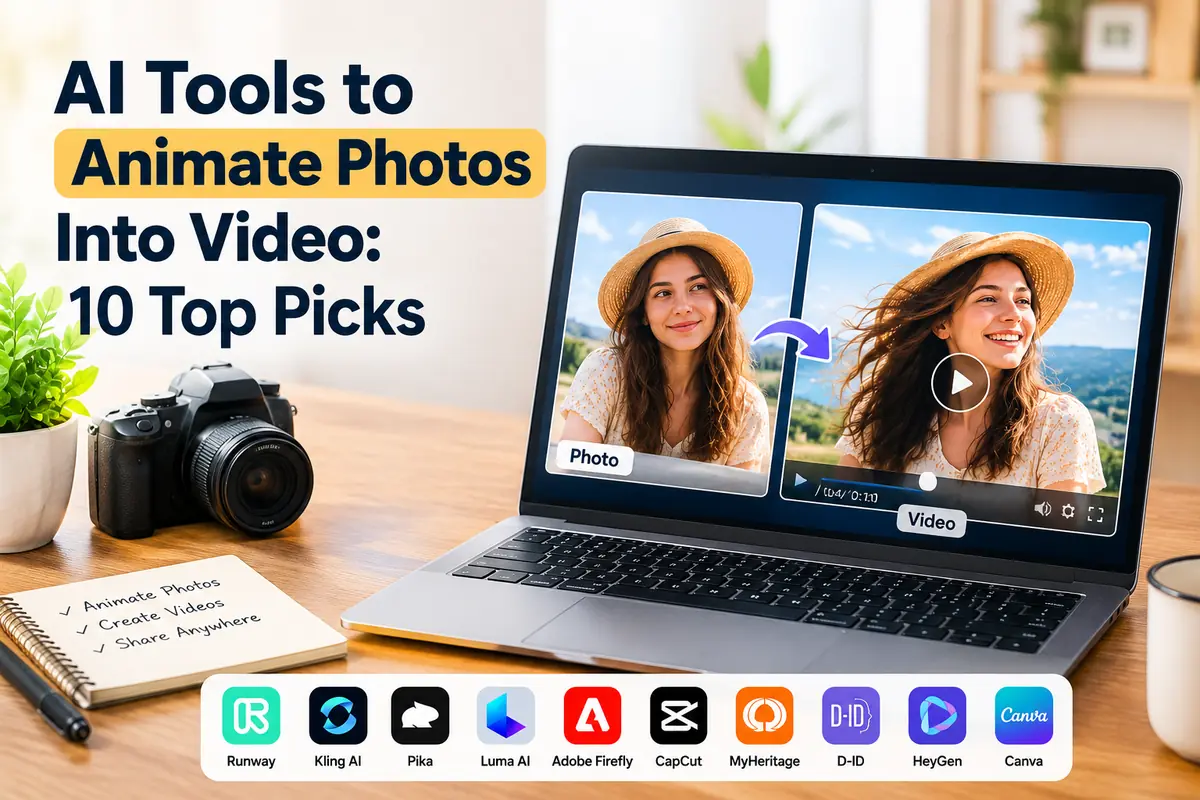
Have you ever looked at a still photo and wondered what it would look like if the people, objects, or background could move? AI technology now makes it possible to turn ordinary images into short videos without advanced editing skills. Many creators use these tools to produce social media clips, marketing content, animated portraits, and visual stories. The best AI tools to animate photos into video can add movement, create transitions, and generate short video clips from a single image. Choosing the right tool depends on your budget, preferred video style, and editing needs.
1. Runway
Runway is an AI video creation platform that helps users turn images into moving video clips. It offers image-to-video generation, allowing creators to upload a still image and describe the movement they want to see.
For example, you could upload a landscape photo and prompt the tool to make the clouds move or the camera slowly approach the scene. The result depends on the image, prompt, and selected model.
Runway is useful for content creators, designers, and marketers who need more control over the visual direction of their videos. Users should review the available plans and generation limits before choosing a subscription.
2. Kling AI
Kling AI is known for generating videos from text prompts and still images. It can create motion in portraits, landscapes, product images, and other visual content.
Users can upload a photo and describe actions such as a person turning their head, hair moving in the wind, or a camera panning across a room. Clear instructions help guide the output, although results can vary.
Kling AI is worth considering when realistic movement is a priority. It may require several attempts to achieve the intended result, especially when a scene includes complex movements or multiple people.
3. Pika
Pika offers AI-powered tools for creating and transforming short videos. It can help users animate images and experiment with creative visual effects without needing a traditional video-editing workflow.
It is suitable for social media creators who want to make eye-catching clips from personal photos, illustrations, or digital artwork. Users can explore different prompts and effects to find a style that fits their content.
Before using Pika for professional projects, check its current export options, usage limits, and commercial-use terms.
4. Luma AI Dream Machine
Luma AI's Dream Machine helps users generate videos from images and text descriptions. It is useful for adding camera movement, creating atmospheric scenes, and bringing visual concepts to life.
For example, a photograph of a beach could become a short clip featuring moving waves and a gradual camera movement. However, the generated motion may not always match the original photograph perfectly.
This option can suit creators who want cinematic-looking results for presentations, promotional videos, and digital storytelling.
5. Adobe Firefly
Adobe Firefly includes AI-powered creative features, including image-to-video capabilities. It is designed for people who want to create visual content while working within Adobe's broader creative ecosystem.
A user can start with an image and generate a video sequence with selected movement or camera direction, depending on the available features. Its connection with other Adobe tools can also help fit generated clips into a larger editing workflow.
Adobe Firefly is worth exploring for designers, content teams, and businesses that need a structured creative process. Review the current plan details and usage conditions before using generated videos commercially.
6. CapCut
CapCut is a popular video-editing platform that offers a range of AI features, with availability varying by region, device, and plan. It can help users combine animated images, music, captions, transitions, and other elements into social media videos.
Its main advantage is the editing workflow. After generating or importing an animated clip, users can add text, adjust the timing, and prepare a video for platforms such as TikTok, Instagram, and YouTube Shorts.
CapCut is a practical choice for beginners who want to create and edit short videos in one place. Check which AI features are currently available in your version.
7. MyHeritage Deep Nostalgia
MyHeritage Deep Nostalgia is designed to animate faces in photographs, particularly older family pictures. It can create subtle facial movements that make a portrait appear more lifelike.
This tool is more specialized than a general AI video generator. It may be useful for family-history projects, personal keepsakes, or educational presentations involving historical photographs.
Because it animates faces, users should consider consent and privacy when uploading pictures of other people.
8. D-ID
D-ID focuses on creating talking-avatar videos from images. Depending on the product and plan, users can animate a portrait and generate a video in which the person appears to speak using supplied text or audio.
It can be useful for training materials, explainers, presentations, and marketing videos. Rather than animating an entire scene, it focuses on creating a speaking digital presenter.
Users should confirm the available languages, voice options, pricing, and commercial-use permissions before starting a project.
9. HeyGen
HeyGen is an AI video platform focused on avatars, presenters, and video communication. It can help users create videos featuring digital people, including workflows that use photos to build or animate an avatar where supported.
Businesses can use this type of platform for product explanations, training content, and multilingual presentations. It is particularly relevant when the goal is to communicate a message rather than simply add motion to a landscape or object.
Check the platform's current avatar features and consent requirements, especially when using another person's likeness.
10. Canva
Canva is an accessible design platform with video-editing and AI-powered features that vary by plan and product updates. It can help users turn images into engaging visual content by combining available animation effects, transitions, text, and music.
For users who do not need complex AI-generated movement, Canva provides a straightforward way to create animated presentations and social media videos. Some animation effects move individual design elements rather than generating entirely new motion from a photograph.
It is a good option for beginners who want a simple design-and-video workflow.
How to Choose the Right AI Photo Animation Tool
Before selecting a tool, decide what type of video you want to create. For realistic image-to-video generation, compare platforms such as Runway, Kling AI, and Luma AI. For talking portraits, consider D-ID or supported HeyGen workflows. For quick social media editing, CapCut and Canva may be more convenient.
When comparing AI photo animation tools, focus on these factors:
-
Video quality: Check whether faces, hands, and backgrounds remain consistent during movement.
-
Ease of use: Choose a platform that matches your editing experience.
-
Cost: Review free credits, subscription fees, export limits, and watermarks.
-
Output options: Confirm video resolution, length, and download formats.
-
Privacy: Review how uploaded images are stored and processed.
At techbysak , the aim is to help readers understand digital tools and choose options that fit their everyday needs. Testing the same image across two or three platforms can help you compare motion quality, generation speed, and editing flexibility before paying for a subscription.
Tips for Better Photo Animation Results
Start with a clear, high-resolution photograph. Images with visible subjects, good lighting, and simple backgrounds are often easier to animate. Write a specific prompt describing the movement you want, such as “slow camera zoom with gentle movement in the trees.”
Avoid requesting too many actions in a short clip. Complex instructions can produce unexpected movements or visual distortions. Generate a few versions, compare the results, and make small prompt adjustments when necessary.
Always review the final video before publishing. Check for unnatural facial movements, distorted objects, and changes that do not match the original photograph. If you plan to use a video commercially, verify the platform's licensing terms and obtain permission when required.
Final Thoughts
The best tool depends on your goal. Runway, Kling AI, and Luma AI are options for generating motion from still images, while D-ID and HeyGen focus more on talking presenters. CapCut and Canva are useful for editing and preparing content for social media. Compare their current features, costs, and output quality before deciding. With a suitable photo and a clear prompt, you can create engaging videos without advanced animation skills.
Frequently Asked Questions
1. What are AI photo animation tools?
AI photo animation tools use artificial intelligence to add movement to still images or generate video clips from photographs.
2. Can I animate photos into video for free?
Some platforms offer free credits or limited features. Availability, export quality, and usage limits vary by tool and plan.
3. Which AI tool is best for realistic photo animation?
Runway, Kling AI, and Luma AI are options to compare for image-to-video generation. The results depend on the image, prompt, and model.
4. Can AI animate an old family photograph?
Yes. Tools such as MyHeritage Deep Nostalgia are designed to animate faces in photographs, including historical family pictures.
5. Are AI-generated photo videos suitable for commercial use?
They may be, but you should check the platform's current licensing terms and confirm that you have permission to use the original photograph.

 English
 Arabic
 French
 Spanish
 Portuguese
 Deutsch
 Turkish
 Dutch
Dutch
 Russian
 Romaian
 Portuguese (Brazil)
 Greek
Greek