
Top 5 Best AI Customer Service Tools in 2026
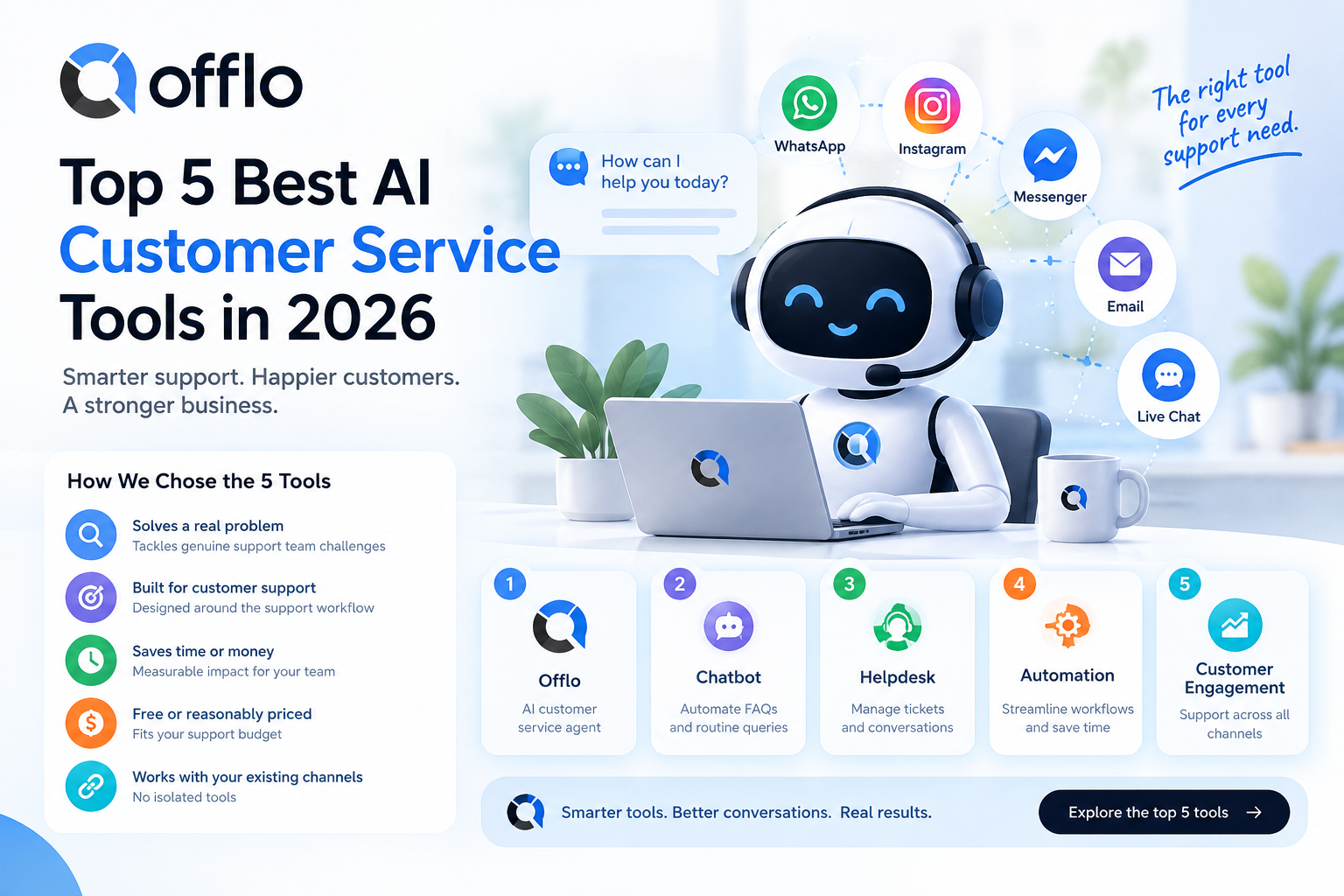
Most guides to AI customer service tools start with the helpdesk. They skip the step that really comes first, the one that decides who (or what) answers the repeat questions making up half your queue.
Before you add another inbox, you need answers your customers can trust. Before you automate a workflow, you need a support agent that knows your policies. Before you worry about channels, your knowledge has to be organized. The best AI customer service tools cover your whole support journey, from the first question to the escalated case, and they begin with the tool that answers.
After comparing many customer support tools across five key categories, we narrowed the field to the five that every support team should know in 2026. Each one solves a specific problem, saves a measurable amount of time, and earns its place in your stack.
How we chose these 5 tools
We judged AI customer service tools against five criteria:
• Does it solve a real problem? Not a nice-to-have feature, but a genuine bottleneck or cost that support teams face every day
• Is it built for customer support? Generic tools that happen to work for support ranked lower than ones designed around the support workflow
• Does it save time or money in measurable ways? We favored tools with clear, documented impact
• Is it free or reasonably priced? Support budgets are tight, so every subscription has to earn its keep
• Does it work with the channels and systems you already use? A tool that sits on its own island isn't truly essential
Here are the five that made the cut.
1. Offlo: The AI agent that handles the repeat half of your queue
Category: AI customer service agent
Cost: Start free; check offlo.ai for current pricing
Platform: Web app, with WhatsApp, Instagram, Messenger, live chat and email channels
Best for: Answering customer questions from your own content, completing simple tasks, and handing over to a person at the right moment
Why every support team needs this
Here is something many "best AI customer service tools" lists won't say: the biggest drain on a support team is rarely the hard case. It's the same dozen questions arriving all day, every day, which push the hard cases further down the queue. The usual fixes each have a catch. Hiring more agents raises cost, a menu-based chatbot frustrates people, and a bot that guesses can do real damage to trust.
Offlo takes a different route. It is an AI customer support agent that learns from your website and your own documents, replies on the channels your customers already use, and stops when it reaches something you told it not to handle.
How it works
1. Add your sources. Paste your website URL and upload help docs, policies, price lists and FAQs in PDF, DOC, XLS, PPT or TXT format
2. Check coverage. Offlo builds the knowledge base, scores what it can answer, and lists the questions that still return nothing
3. Set the rules. Choose the voice, write the refusal rules, and pick the moments when a person should take over
4. Test privately. Run your real customer questions through a sandbox, read each answer and the source behind it, then go live
5. Deploy on one channel. Switch it on, read the transcripts for a week, and widen the scope as your confidence grows
Most teams finish setup in an afternoon, with no integration project and no prompt engineering.
What makes Offlo stand out
Answers only from your content. The agent reads the sources you uploaded, not the open internet. If your content doesn't cover a question, nothing is invented to fill the gap.
Boundaries that hold every time. Your refusal rules, pinned wording and confidence threshold are applied before a reply goes out, so restricted topics and low-confidence answers become escalations instead of guesses.
It does real tasks, not just chat. Offlo can check an order, book a slot, confirm an appointment or start a refund request. Each action can be switched off individually, every run is logged, and a refund is routed to whoever signs it off, never approved by the agent alone.
Knowledge gaps that name themselves. Every unanswered question is logged with the source it searched, so you know exactly what to add next.
Works across industries. Teams use Offlo for ecommerce customer support, healthcare front desks and education enquiries, each with its own set of actions.
Pro tip: Run your ten most common customer questions through the sandbox before launch. If any answer isn't one you'd send yourself, fix the source document or pin the exact wording you want, then test again.
The numbers
• 95+ languages supported
• 5 channels: WhatsApp, Instagram, Messenger, live chat and email
• 4 independent layers you can change one at a time: identity, knowledge, answer and action
• 5 file formats parsed: PDF, DOC, XLS, PPT and TXT
• Setup in about an afternoon for most teams
→ Start free with Offlo
→ See a live Offlo answer
2. Gorgias: The helpdesk that keeps every online store ticket in one place
Category: Helpdesk & ticketing for ecommerce
Cost: Paid plans; check Gorgias for current pricing
Platform: Web
Best for: Online stores that need email, chat and social messages in one shared inbox with order details beside each ticket
Why ecommerce teams rely on Gorgias
An AI agent can handle the repeat questions, but someone still has to manage the conversations that need a person. Gorgias is built for exactly that in online retail. It pulls customer messages from several channels into a single inbox and shows the customer's order information next to the conversation, so your team doesn't have to switch tabs to find an order.
Paired with an AI agent that clears the repeat questions first, a helpdesk like this means your team spends its time on refunds, exceptions and upset customers rather than on "where is my order?"
Key features for support teams
One shared inbox. Email, chat and social messages land in one place, so nothing sits unseen in a separate app.
Order context beside each ticket. Agents see the customer's order details while they reply, which speeds up common requests.
Macros and rules. Saved replies and automation rules cut repetitive typing and route tickets to the right person.
Ecommerce platform connections. It connects with popular store platforms, so customer and order data stay in sync.
Quick facts
• Built specifically for ecommerce support
• Combines several channels in one inbox
• Works best alongside an AI agent that handles first-line questions
3. AiSensy: The tool that puts support where customers already chat
Category: WhatsApp messaging & chatbots
Cost: Paid plans; check AiSensy for current pricing
Platform: Web
Best for: Businesses that talk to customers mainly on WhatsApp
Why WhatsApp matters for support
In many markets, customers would rather message a business on WhatsApp than send an email or fill in a form. If that describes your customers, you need a tool that works with the WhatsApp Business platform, not just a website chat widget.
AiSensy is built around WhatsApp. It helps businesses send messages, set up chatbots and manage conversations on the channel, which makes it a useful companion to an AI customer support agent that also answers on WhatsApp.
Key features for support teams
WhatsApp-first setup. Connect your business number and manage customer conversations from one dashboard.
Chatbot flows. Build guided flows for common requests, such as order updates or appointment reminders.
Broadcast messages. Send approved notifications and updates to customers who have opted in.
Shared team inbox. Let several team members reply from the same number.
Quick facts
• Designed around the WhatsApp Business platform
• Useful when most of your customers prefer messaging apps
• Pairs well with an AI agent for instant first replies
4. Zapier: The tool that connects your support to everything else
Category: Workflow automation
Cost: Free plan available; paid plans for higher usage (check Zapier for current pricing)
Platform: Web
Best for: Passing data between your support tools, CRM, spreadsheets and other apps without writing code
Why connected tools matter
Support doesn't happen in one app. A new conversation might need a row in a spreadsheet, a contact in a CRM, or a notification to a sales rep. Without a connector, someone copies that information by hand, and mistakes creep in.
Zapier links thousands of apps through simple "if this, then that" workflows. For a support team, that means an escalated conversation can create a task, a new customer can be logged in your CRM, and routine updates can move between tools on their own.
Key features for support teams
No-code workflows. Build automations by choosing a trigger and an action, with no developer needed.
A huge app library. It connects with most of the tools support teams already use, from spreadsheets to CRMs.
Multi-step workflows. Chain several actions together, such as logging an escalation, notifying a teammate and updating a record.
Free starting point. You can test a workflow before committing to a paid plan.
Quick facts
• Works with a very wide range of apps
• No coding required for most workflows
• Best for removing manual copy-and-paste between tools
5. Slack: The workspace where escalations get resolved
Category: Team communication
Cost: Free plan available; paid plans add features (check Slack for current pricing)
Platform: Web, desktop, iOS, Android
Best for: Getting escalated conversations in front of the right person fast
Why escalation needs a home
An AI agent should know when to step aside. But a handover is only useful if the right person sees it quickly. When an escalated conversation lands in a team channel, a human can pick it up with the full context instead of discovering it hours later in a queue.
Slack is where many teams already spend their working day, so it's a natural place for escalation alerts, quick questions between support and product, and notes on what to fix in your help content.
Key features for support teams
Dedicated channels. Create a channel for escalations, another for product issues, and another for knowledge updates.
Fast alerts. Notifications bring urgent conversations to the right people on desktop or mobile.
Searchable history. Past discussions stay searchable, so answers to tricky cases aren't lost.
App connections. It works with many support and automation tools, including Zapier.
Quick facts
• Available on web, desktop and mobile
• Free plan to start with
• Pairs well with automation tools for routing escalations
How these 5 tools work together
These aren't five random tools. They form a complete support stack, with each one covering a phase of the customer support journey.
Phase Problem Tool What it does
1. Answer instantly Repeat questions fill the queue Offlo
AI agent that answers from your content and completes simple tasks
2. Manage the rest Complex tickets need a person and context Gorgias Shared helpdesk inbox with order details beside each ticket
3. Meet customers where they chat Customers prefer messaging apps AiSensy WhatsApp-focused messaging and chatbot flows
4. Connect your systems Manual copying between apps causes errors Zapier No-code workflows linking support to your other tools
5. Escalate fast Handovers get lost in a queue Slack Team channels and alerts for escalated conversations
In practice, a healthy setup looks like this:
• The AI agent clears the predictable questions first, so fewer tickets reach your team
• The helpdesk holds the conversations that need a person, with full context
• Messaging tools keep you present on the channels customers prefer
• Automation moves data between tools without manual work
• Team chat gets escalations to the right person quickly
Honorable mentions
These tools missed the top 5 but deserve a mention for teams with specific needs:
• Tidio: A live chat and chatbot tool popular with small online stores. A good fit if you want a simple chat widget with basic AI help.
• Intercom: A customer messaging platform with its own AI agent, suited to teams that want messaging and helpdesk features from one vendor.
• Zendesk: A long-established helpdesk with wide ticketing features, often chosen by larger teams with complex support processes.
• Zipchat: An AI assistant aimed at online stores, focused on answering shopper questions and supporting sales.
• HubSpot: A CRM with service tools, useful if you want support conversations tied to your customer records.
If you're comparing options head to head, look for how each tool limits what its AI can say, how it hands over to a person, and whether it shows you the questions it can't yet answer.
What about measuring your AI agent after launch?
Most teams spend their energy on the launch and then stop looking. But an AI customer service agent is only as good as the content behind it, and your products, prices and policies keep changing.
Set a weekly reminder to review three things: the questions your agent couldn't answer, the conversations that were escalated to a person, and the answers customers pushed back on. When you find a gap, fix the source document or pin the exact wording you want, then test again before publishing. A tool like Offlo shows a coverage score and logs unanswered questions, so the review takes minutes, not hours.
Frequently asked questions
What are the best AI customer service tools? The five best AI customer service tools for 2026 in this guide are Offlo (AI customer support agent), Gorgias (ecommerce helpdesk), AiSensy (WhatsApp messaging), Zapier (workflow automation) and Slack (team escalation). Together they cover the whole support journey, from the first question to the escalated case.
What is an AI customer service agent? An AI customer service agent is software that answers customer questions using your own content, such as your website and documents, across channels like live chat, email and messaging apps. Some, like Offlo, can also complete simple tasks and hand over to a person when needed.
What is the best AI chatbot for customer service? The best AI chatbot for customer service is one that answers only from your approved content, follows your rules about restricted topics, and escalates clearly when it isn't sure. Test any option with your real customer questions before you commit.
How do I automate customer support without frustrating customers? Start with one channel, automate the repeat questions first, make it easy to reach a person, and review conversations every week. Customers get frustrated by bots that guess, not by bots that hand over politely.
What is the best AI customer support tool for ecommerce? Online stores benefit from an AI agent for order questions plus a helpdesk for complex cases. See how Offlo works for ecommerce to compare it against your needs.
Can AI customer service work in healthcare? Yes, for administrative questions such as opening hours, locations and appointment confirmations, with anything clinical routed to staff. Always check your privacy obligations first. Read more about AI customer support for healthcare.
Can schools and colleges use AI customer support? Yes. Admissions, deadlines, fees and course questions are good candidates, especially when volume spikes at the start of a term. Learn more about AI customer support for education.
Do I need a developer to set up an AI support agent? Not necessarily. Many platforms let you add your website and documents, set your rules and test answers without writing code.
Your customer support toolkit: Get started
You now have a five-tool stack that covers every phase of customer support, from answering the first question to handing over the hardest case, while giving your team back the time repeat questions used to take.
Start with the foundation: an AI agent that answers from your own content. If you haven't built one yet, or your current setup guesses too often, Offlo lets you build an agent on your own documents, test it privately, and go live only when you're happy.
→ Start free with Offlo
→ Explore Offlo for ecommerce
→ Explore Offlo for healthcare
→ Explore Offlo for education

 English
 Arabic
 French
 Spanish
 Portuguese
 Deutsch
 Dutch
Dutch
 Italiano
 Russian
 Romaian
 Portuguese (Brazil)
 Greek
Greek