
How to Make Website URLs SEO-Friendly: A Practical Guide for Better Rankings
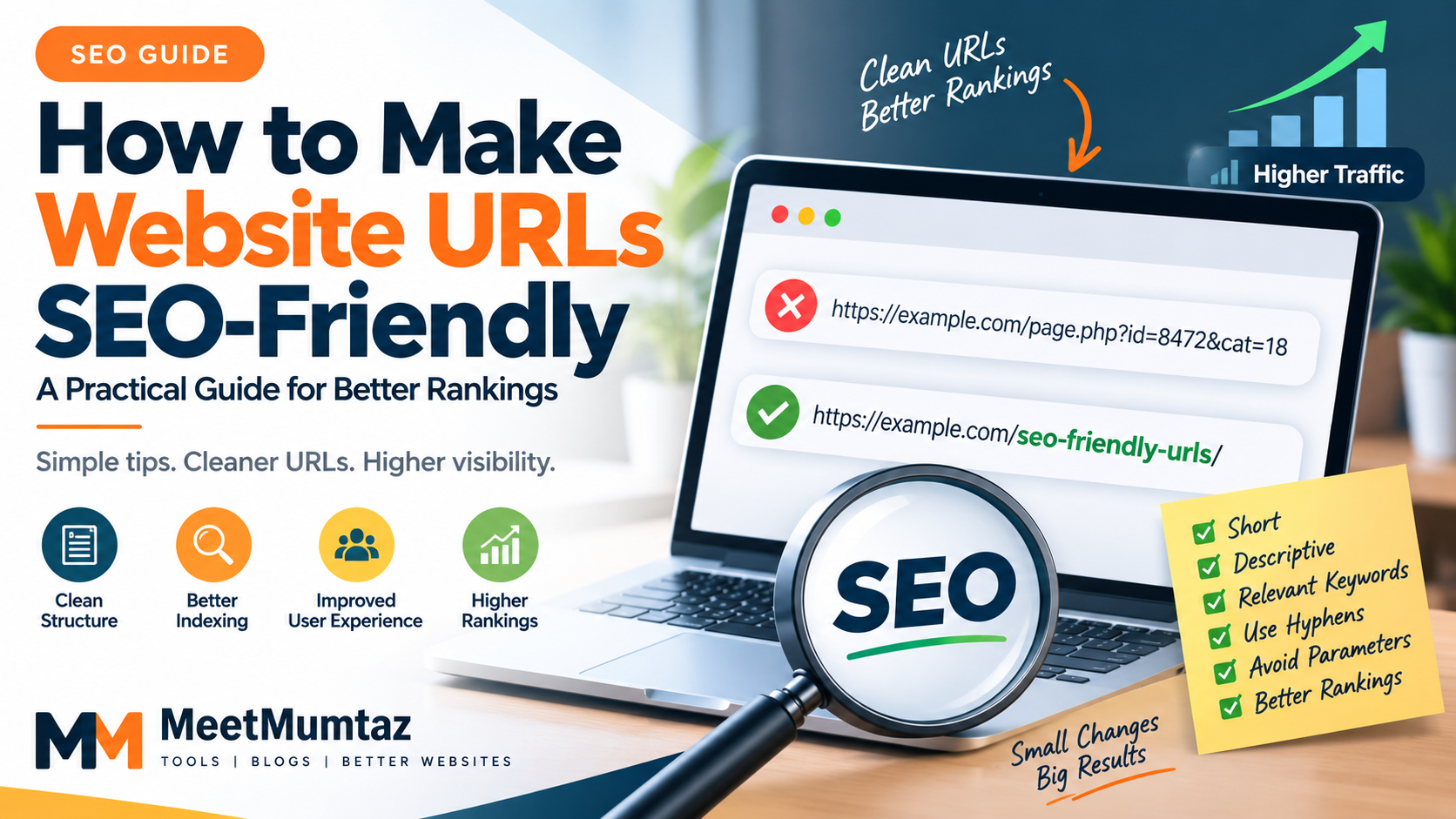
A website URL may look like a small technical detail, but it plays an important role in how users and search engines understand a webpage. A clean URL can immediately communicate what a page is about, while a complicated URL filled with random numbers, unnecessary parameters, and unclear words can make a website harder to navigate.
For website owners, bloggers, developers, and SEO professionals, creating a consistent URL structure should therefore be part of the basic optimization process.
In this guide, we will look at what makes a URL SEO-friendly, common URL mistakes, and practical ways to improve URLs across a website.
What Is an SEO-Friendly URL?
An SEO-friendly URL is a web address designed to be understandable to both people and search engines.
Compare these two examples:
Poor URL:example.com/page.php?id=8472&cat=18
Cleaner URL:example.com/seo-friendly-url-guide/
The second version immediately provides useful context about the page.
Google recommends creating simple URL structures and using readable words rather than long ID numbers where possible.
Why Does URL Structure Matter?
URLs are only one part of search optimization, but a well-organized structure provides several practical benefits.
First, descriptive URLs help visitors understand where a link will take them before clicking it. They can also make site organization easier to maintain as a website grows.
Search engines can use words appearing in URLs to better understand page content. Google also recommends using descriptive URLs and minimizing unnecessary parameters where practical.
For website owners who are unsure whether their existing URLs follow common optimization practices, a tool such as the SEO Friendly URL Checker can help identify structural issues before URLs are finalized or optimized.
Keep URLs Short and Descriptive
A good URL should describe the page without becoming unnecessarily long.
For example:
example.com/blog/how-to-create-seo-friendly-urls-for-your-website/
could potentially be simplified to:
example.com/blog/seo-friendly-urls/
The shorter version still communicates the subject while being easier to read and share.
However, shortening a URL should not mean removing every descriptive word. The objective is clarity rather than achieving a particular character count.
Use Relevant Words in the URL
Whenever possible, include words that accurately represent the page.
For example, a page explaining XML sitemap creation could use:
example.com/xml-sitemap-generator/
instead of:
example.com/tool-27/
The first URL gives visitors immediate context.
Keywords should appear naturally. There is little benefit in creating URLs such as:
example.com/seo-tool-best-seo-tool-free-seo-tool-online/
This makes the URL look unnatural and provides a poor user experience.
Separate Words With Hyphens
When multiple words are required in a URL, hyphens are generally the clearest separator.
For example:
example.com/keyword-density-checker/
is preferable to structures such as:
example.com/keyword_density_checker/
Google specifically recommends using hyphens rather than underscores to separate words in URLs.
Avoid Unnecessary URL Parameters
Dynamic websites sometimes generate URLs containing multiple parameters.
For example:
example.com/products?id=462&session=89273&source=homepage
Some parameters are necessary for website functionality, but unnecessary parameters can create complicated URL structures and may contribute to multiple URLs representing similar content.
Where possible, keep public-facing URLs predictable and straightforward.
Use Lowercase URLs Consistently
Using lowercase URLs is generally a sensible consistency practice.
Instead of mixing structures such as:
example.com/SEO-Tools/
example.com/Seo-Tools/
example.com/seo-tools/
Choose one consistent format—typically:
example.com/seo-tools/
Depending on the server and configuration, differently capitalized paths can sometimes be treated differently. Consistency also makes URLs easier to manage.
Remove Unnecessary Words
Some URLs become long because they copy an entire article title into the slug.
For example:
example.com/how-to-check-if-your-website-url-is-seo-friendly/
could often become:
example.com/check-seo-friendly-url/
Remove words that do not contribute meaningful context, but preserve enough information for someone to understand the page.
Build a Logical Website Structure
SEO-friendly URLs are not only about individual slugs. The overall website hierarchy matters too.
A structured website might use:
example.com/tools/
example.com/seo-tools/
example.com/blog/
Clear organization makes it easier for visitors to understand how different sections of a website relate to each other.
Google's documentation also recommends logically organizing websites because navigation and directory structures can help users understand how pages relate to one another.
Be Careful When Changing Existing URLs
Improving a new URL is simple. Changing an existing URL requires more care.
If an established page already receives traffic or backlinks, changing its URL without proper redirection can cause visitors and search engines to reach the old location.
When a URL must permanently change, the old URL should generally redirect to the appropriate new location. Google recommends permanent server-side redirects such as 301 or 308 when a page has permanently moved.
Website owners can also use a 301 Redirect Generator to prepare common redirect rules when restructuring URLs.
Check URLs Before Publishing
One of the easiest ways to prevent URL problems is to review the slug before publishing a new page.
Check whether the URL:
- clearly describes the page;
- uses readable words;
- avoids unnecessary numbers and parameters;
- separates words appropriately;
- avoids excessive keyword repetition;
- follows the website's existing structure.
It is much easier to correct a URL before publication than to change it after the page has been indexed and linked from other websites.
Final Thoughts
SEO-friendly URLs are not a shortcut to higher rankings, but they are an important part of building a clean and understandable website.
Keep URLs descriptive, concise, logically organized, and consistent. Avoid unnecessary parameters and keyword stuffing, and think carefully before changing URLs that are already live.
Combined with useful content, sensible internal linking, crawlable navigation, appropriate metadata, and sound technical SEO, a clean URL structure contributes to a website that is easier for both visitors and search engines to understand.

 English
 Arabic
 French
 Spanish
 Portuguese
 Turkish
 Dutch
Dutch
 Italiano
 Russian
 Romaian
 Portuguese (Brazil)
 Greek
Greek